Access your interface.
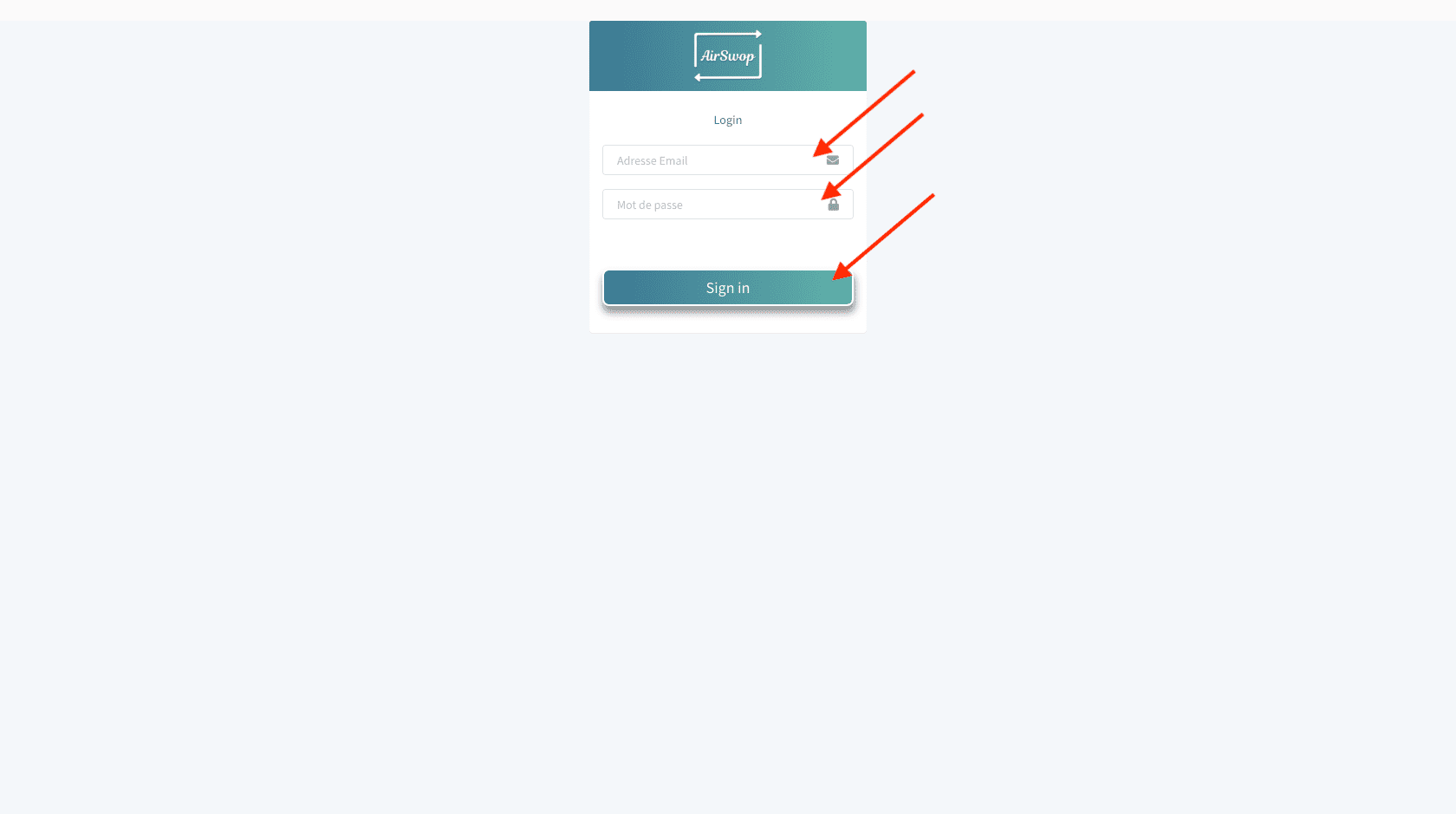
Fill in the same login and password you use to connect to the application and click on "Sign In".
DashBoard.

Here are the statistics of your employees.
👉 1 you choose the date of analysis.
👉 2 is the number of users within your entity.
👉 3 is the number of times your collaborators' cards have been read
👉 4 is the number of paper business cards scanned by your employees
👉 5 is the number of cards read per day
👉 6 is the number of contact details collected by your collaborators after sending their card.
👉 7 THE TOP 10 most read cards... How about a challenge?
Users

👉 By clicking on the "Users" tab 1, you can access all the information of your employees.
👉 2 shows the total number of collaborators within your entity.
👉 3 gives access to edit your collaborators' information, you will be able to modify them and their AirSwop card will be updated immediately.
👉 4 gives access to the creation of a new user
Create a new user

Fields marked with an asterisk are required.
Your social networks are already pre-registered.
If you have the necessary information, the Extra 1 field is for the sector of your collaborator, Extra 2 the RCS number and Extra 3 the RSAC.
**Click on "Create" and confirm your choice.
An email is automatically sent to your new collaborator, it includes his login and download links for the application.
Add a legal notice for an independent user
By default, your company's legal notices are written on the e-cards of all your employees. However, some of them are freelancers, so their legal notices are different.
Access the profile of your freelancer by going to the "User" tab and clicking on "Profile" (arrow 3)
As you scroll to the bottom of the page, a "Legal Notice" box appears

Copy and paste this statement into the box:
For Lifestone :
NAME First name, domiciled at XXXXXXX, registered with the Registre Spécial des Agents Commerciaux under the number XXXX, and benefiting from the attestation collaborateur number XXXXXX delivered by the Chambre du Commerce et de l'Industrie XXXXX, declaring that he/she can neither receive nor hold any funds, effects or securities.
For Privilège Courtage:
-
Natural person : NAME First name, domiciled at XXXXXXX, and registered with the ORIAS under the number XXXXXX for the categories Banking and Payment Services Agent and Insurance Agent.
-
Legal entity: COMPANY, is a FORM OF COMPANY, with a capital of XXXX euros, whose registered office is located at ADDRESS, registered with the Trade and Companies Register of XXXXX under the number XXXXXXXXX, and registered with the ORIAS under the number XXXXXX for the categories Banking and Payment Services Agent and Insurance Agent.
For Quintésens :
NAME First name, domiciled at XXXXXXX, registered in the Special Register of Commercial Agents under number XXXX, and benefiting from the certificate of collaborator number XXXXXX delivered by the Chamber of Commerce and Industry XXXXX, declaring that he/she can neither receive nor hold funds, effects or values, and registered with the ORIAS under number XXXXXX for the categories of Agent in Banking Operations and Payment Services and Agent in Insurance.
Click on Update. The new information will appear on the card of your independent collaborator.
Delete a user** **Delete a user
In the Users tab, you can use the search bar to quickly find the user.
Slide the screen to the right to access the button to delete a profile. Click on "Remove from Company" and confirm your choice.

Groups
Use "Groups" to create groups within your entity.
Pending (if option subscribed)
Check the information and validate the arrival of a collaborator.
Share Page
When you share your AirSwop Card, the recipient is invited to visit your "Web AirSwop" page. The page is created by the communications department. So if you make any changes to this section, please make sure you have the approval of the Communications or Marketing Department.
If you have any questions or need help, click here